Introduction to Proton Drive: Secure End-to-End Encrypted Cloud Storage
In an increasingly digital world, secure cloud storage solutions like Proton Drive are essential for managing files across multiple devices. Developed by Proton Technologies—the creators of Proton Mail—Proton Drive provides top-tier end-to-end encrypted cloud storage. Unlike popular options such as Google Drive or Dropbox, Proton Drive employs zero-access encryption, ensuring that even Proton's servers cannot view your files. Your data is encrypted directly on your device before upload, with decryption keys remaining solely in your control. This privacy-centric design is rooted in Proton's open-source ethos and Switzerland's stringent data protection regulations, safeguarding against unauthorized access and data misuse.
As 2025 unfolds, secure cross-device synchronization has become paramount. Projections indicate global cloud data storage will surpass 200 zettabytes by 2026, with the market reaching $376.67 billion by 2029 (5-year CAGR of 19.4%, according to IDC). This data from SentinelOne's report highlights the explosive growth driven by AI in cloud adoption. Cloud security remains a top worry for 83% of companies, yet 79% of IT professionals report feeling unprepared for non-human identity threats (Cloud Security Alliance). Meanwhile, global cybercrime costs are expected to exceed $10.5 trillion annually by 2025, marking a 10% year-over-year rise (per CompTIA analysis in Fortinet's overview). Nearly half of business leaders now rank data protection as a 2025 priority, in line with evolving GDPR standards and privacy regulations (Statista). The EU Data Act, effective September 12, 2025, extends GDPR by improving data access and portability, compelling cloud providers to eliminate data lock-in and boost competition (as detailed in Skadden Insights).
These developments reveal vulnerabilities in conventional cloud syncing: 80% of organizations faced a cloud security incident last year, with 45% of data breaches occurring in the cloud and public incidents costing an average of $5.17 million—frequently from misconfigurations (23% of incidents) (SentinelOne). Phishing drives 80–95% of breaches tied to human factors (Comcast Business), heightening risks in non-encrypted environments. Proton Drive counters this with effortless, encrypted syncing that defends against ransomware (59% of attacks, averaging $2 million in payments, per the Sophos State of Ransomware 2024) and AI-powered threats, where 85% of cybersecurity experts link increased attacks to generative AI (Fortinet).
This comprehensive guide walks beginners and experts through setting up Proton Drive for secure cross-device sync on desktop, mobile, and web platforms. Ideal for backing up family photos or collaborating on confidential documents, you'll master automatic backups, real-time collaboration, and robust breach defenses. By the conclusion, you'll possess a privacy-secure configuration tailored to 2025's evolving threat environment.
$10.5T
Global cybercrime costs by 2025 (CompTIA)
"The Data Act is intended to prevent manufacturers or service providers from retaining exclusive control over data generated by connected devices, encouraging competition and better service options for customers."
— EU Data Act Overview (Skadden Insights, 2025)
Prerequisites for Proton Drive Setup and Secure Sync
Before diving into Proton Drive installation and setup, verify essential prerequisites for optimal performance. Proton Drive is user-friendly for everyone, but maximizing its end-to-end encryption benefits starts with a strong base.
A Proton account is required. The free plan delivers 5GB of storage with core syncing features, ideal for initial trials. For insights into how Proton Drive compares among other top free options with strong privacy features, explore our Best Free Secure Cloud Storage 2025: Top Picks. Advanced users may prefer Proton Drive Plus (from €4.99/month), which includes unlimited bandwidth, 500GB+ storage, and family sharing options. Paid tiers also offer priority support and seamless integration with Proton Mail and VPN.
Compatible devices encompass Windows (10+), macOS (Ventura+), Linux (native apps or Flatpak), iOS (15+), and Android (10+). 2025 enhancements feature advanced AI for file management and quantum-resistant encryption against emerging threats. Minimum hardware: reliable internet (5Mbps+ upload for efficient sync) and local space aligning with your cloud allocation. For web use, opt for updated browsers like Chrome or Firefox with hardware acceleration.
Always back up data externally beforehand. Transfer vital files to an external drive or alternative encrypted service to mitigate migration risks—though Proton Drive is secure, user mistakes might temporarily disrupt access.
| Plan | Storage | Key Features | Best For |
|---|---|---|---|
| Free | 5GB | Basic E2E encryption, cross-device sync | Beginners testing privacy |
| Drive Plus (€4.99/mo) | 500GB+ | Unlimited bandwidth, family sharing, AI tools (2025) | Power users, families |
Note: This article includes affiliate links to Proton services. Purchases made through them may earn a commission at no extra cost to you.
Creating or Accessing Your Proton Account for Secure Cloud Storage
Establishing a Proton account is straightforward, prioritizing security from the outset for Proton Drive secure sync.
Signing Up as a New User for Proton Drive
-
Head to proton.me in your browser. Select "Sign up" and choose "Drive" as your main service (or combine with Mail).
-
Provide a username (e.g., yourname@proton.me) and a robust password (16+ characters including symbols). Finish human verification via CAPTCHA or email.
-
Confirm via the email link. Promptly convert from temporary to permanent email addresses.
-
Activate two-factor authentication (2FA) immediately: Navigate to Settings > Security > 2FA and pick an app like Authy or a hardware key such as YubiKey. 2025 introduces passkey support for passwordless access, cutting phishing risks that account for over 50% of breaches (SentinelOne).
This process, under 5 minutes, activates full end-to-end account encryption.
Logging In as an Existing User
Leverage your Proton Mail or VPN login at proton.me/login. Access "Drive" from the dashboard. For recovery, rely on your recovery email or phrase—keep it offline and secure. Enhance protection with hardware keys under Account > Security.
Upgrading to Premium Plans for Advanced Proton Drive Features
In the dashboard, visit Settings > Plans to upgrade to Drive Plus. Gain 2025 perks like 3TB family storage and time-limited secure sharing. This suits expansive media collections and complies with EU Data Act portability to avoid vendor lock-in (Skadden Insights).
Visit proton.me
Start the sign-up process securely.
Enable 2FA
Secure your account against compromises.
Upgrade if Needed
Unlock advanced 2025 features.
Installing Proton Drive Apps on Desktop, Mobile, and Web in 2025
Proton Drive applications ensure encrypted file sync without compromising privacy. Source downloads exclusively from official channels to dodge malware threats.
Desktop Installation for Windows, macOS, and Linux Sync
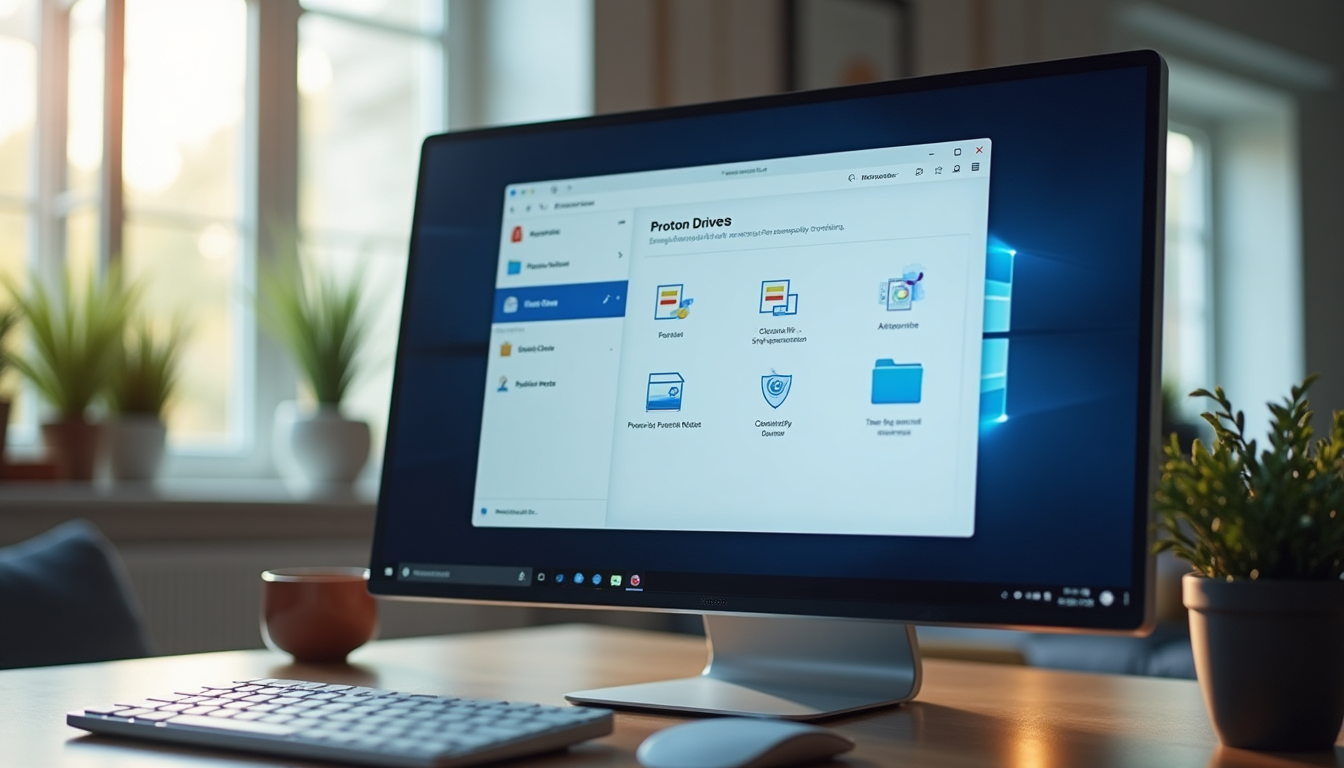
Navigate to proton.me/drive/download. Grab the .exe or .dmg for Windows/macOS; Linux options include DEB/RPM or AppImage. Confirm the SHA-256 checksum (listed on-site) using PowerShell's Get-FileHash or shasum—vital as 32% of cloud setups remain unmonitored, harboring an average of 115 vulnerabilities (SentinelOne).
Launch the installer: Complete the Windows wizard or drag to Applications on macOS. Authorize only sync folder access. Log in, select directories (e.g., Documents), and activate "Encrypt filenames." Large initial syncs may require patience; monitor via the system tray.
The 2025 desktop app incorporates AI for spotting duplicates, streamlining storage.
Mobile App Setup for iOS and Android Secure Sync
Obtain from the App Store (iOS) or Google Play (Android). Activate auto-updates for 2025 patches—91% of firms retain vulnerabilities over a decade old without them (SentinelOne).
Authorize judiciously: Permit camera roll uploads but block location metadata. Connect via email/password or biometrics (Face ID/Touch ID). Turn on offline sync for device-based decryption.
Android 15's scoped storage enhances isolation; iOS syncs fluidly sans privacy pitfalls.
Browser-Based Web Access to Proton Drive
Sign in at proton.me/drive—no download needed. Employ incognito to evade trackers. Best for swift uploads, though it skips real-time sync; combine with apps for intensive tasks and tools like Bitwarden for autofill.
2025 web upgrades leverage WebAssembly for accelerated encryption.
Configuring Proton Drive for Seamless Cross-Device Synchronization
Apps in place, configure sync for effortless file mirroring across devices.
Under Settings > Sync, turn on "Real-time sync" for immediate updates. Drag-and-drop folders (e.g., Desktop to mobile) for customization.
For targeted sync, select "Choose folders" to omit high-risk items like financials—31% of cloud incidents arise from misconfigurations and errors (SentinelOne).
Secure sharing: Generate password-protected links with expirations (e.g., 7 days) and download caps. 2025 brings client-side encryption for shared users.
Fine-tune: Adjust intervals (e.g., 5 minutes on mobile), low-data settings, and resumable uploads for >1GB files. Pair with Proton VPN on public networks to thwart phishing (Fortinet).
Selective syncing reduces risks—mirror only essential folders to limit exposure in multi-device setups, especially with AI threats rising (Fortinet).
Enhancing Security in Proton Drive Sync for 2025 Threats
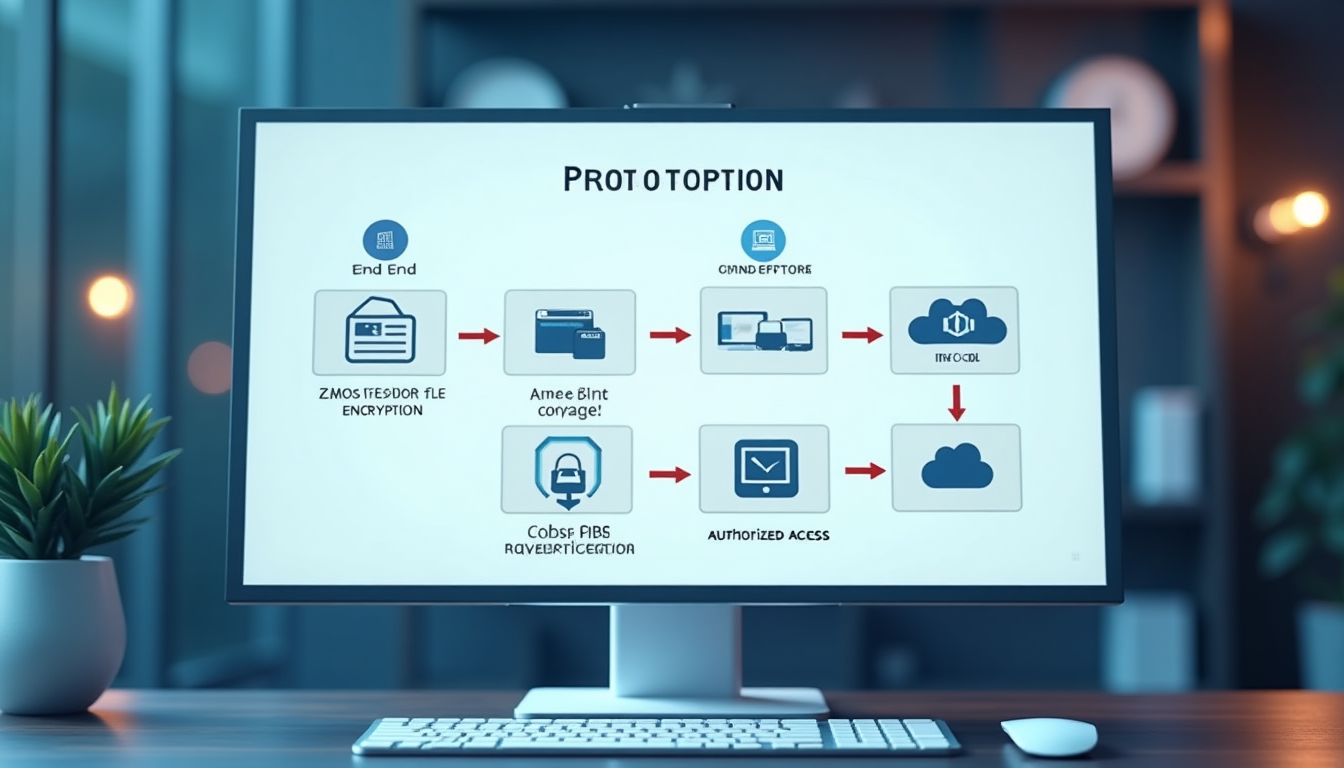
Proton's end-to-end encryption (E2EE) forms the core: AES-256 and RSA encrypt files client-side in a zero-knowledge framework, rendering servers blind to content. For a deeper understanding of why this client-side approach outperforms server-side alternatives in protecting against breaches and quantum threats, see our Client-Side vs Server-Side Encryption: Pros & Cons 2025. This guards against the 258-day average breach detection period (IBM 2024 Cost of a Data Breach Report).
Key practices: Employ unique strong passwords (Proton Pass recommended) and 2FA across devices. Steer clear of unsecured Wi-Fi sans Proton VPN—its tie-in protects, as stolen credentials fuel over 50% of incidents (SentinelOne).
2025 innovations include zero-knowledge proofs for audits and AI anomaly detection. As outlined in our Zero-Knowledge Cloud Storage: 2025 Privacy Guide, this framework provides essential privacy benefits for users handling sensitive data. Review via Settings > Activity logs and remove devices in Security > Devices.
This setup repels ransomware (59% prevalence, per Sophos) and upholds EU Data Act defenses vs. foreign surveillance (Skadden Insights).
95% of cloud security failures trace to human error, not platform flaws—always audit permissions and logs regularly (SentinelOne).
Troubleshooting Proton Drive Sync Issues in 2025
Even secure configurations can glitch—address them swiftly.
Sync lags typically stem from networks or quotas: Restart the app, inspect limits in Settings, or flush cache (App Data > Proton Drive on Windows). Disable/re-enable sync for stubborn problems.
Compatibility checks: On macOS Ventura+, ensure SIP allows; readjust Android 15 battery settings. Update apps urgently—32% of infrastructure harbors 6+ month-old flaws (SentinelOne).
Conflicts from multi-device changes: Proton highlights duplicates; resolve via menu. Restore from version history (paid) for ransomware hits.
Support: Proton Help Center, community forums, or 2025 AI assistance. Use recovery codes for lockouts.
Conclusion: Build Your Secure Proton Drive Setup for 2025
Configuring Proton Drive for secure cross-device sync in 2025 equips you to safeguard data against intensifying risks. Covering account setup, app installation, targeted syncing, and security boosts, this guide delivers a resilient, privacy-oriented framework. Proton's E2EE and zero-access architecture combats the $4.88 million average breach expense (IBM 2024) and AI vulnerabilities, while enabling EU Data Act-compliant portability for flexible storage (Skadden Insights).
Experiment: Upload a test file, modify on mobile, and verify desktop sync. Integrate with Proton Mail for attachments or Calendar for shared folders. Monitor app updates—2025 introduces quantum safeguards. To evaluate how Proton Drive compares to other affordable secure providers under $5 per month, use our interactive Cloud Comparison Tool, which helps you filter options based on encryption, storage, and pricing needs.
Facing 45% of firms hit by supply chain attacks by 2025 (Gartner) and privacy's rising importance, Proton Drive delivers lasting security. Embrace privacy to shield your digital assets from breaches, surveillance, and beyond. Begin your setup now.
"For 2025, escalating cyber threats and regulations like the EU Data Act underscore the urgency of privacy-focused tools like Proton Drive's end-to-end encryption."
Ready to Secure Your Files?
Sign up for Proton Drive today and experience end-to-end encrypted sync across all your devices. Start with the free plan—no commitment required.
Get Started with Proton Drive