Tresorit E2EE Setup Guide: Secure Cloud 2025
I. Introduction to End-to-End Encryption with Tresorit
In an era where data breaches make headlines almost daily, securing your files in the cloud has never been more critical. Tresorit stands out as a premier secure cloud storage service, designed with a strong emphasis on privacy through its zero-knowledge architecture. This means that Tresorit itself cannot access your data—end-to-end encryption (E2EE) happens on your device before upload, ensuring only you hold the keys to your information. Founded in Switzerland, Tresorit combines E2EE with user-friendly tools to protect files for individuals and teams alike, including small businesses looking for secure solutions as detailed in our Best Secure Cloud Storage for Small Businesses 2025, making it an ideal choice for quantum-safe cloud storage in 2025. See how it stacks up against other encrypted options in our Mega vs Tresorit: Best Encrypted Cloud for Privacy 2025 comparison.
End-to-end encryption is a game-changer in digital security. At its core, E2EE ensures that data is encrypted on the sender's device and remains encrypted until it reaches the recipient's device, with no intermediary—including the service provider—able to decrypt it. The benefits are profound: it safeguards against unauthorized access, prevents surveillance by third parties, and maintains data integrity even if storage servers are compromised. In 2025, these advantages are especially vital amid escalating privacy concerns. New regulatory updates, such as the EU AI Act effective from August 2024—which builds on GDPR principles by categorizing AI systems by risk levels and emphasizing data privacy, as detailed on its official site—are pushing for stronger protections. Moreover, the looming threat of quantum computing adds urgency: adversaries could exploit "harvest now, decrypt later" strategies, storing encrypted data today for future decryption using powerful quantum machines. Current encryption is vulnerable to such attacks, where adversaries stockpile data now for decryption later, potentially breaking standards like RSA and DES exponentially faster than classical computers, according to Check Point's 2025 predictions.
"A quantum computer capable of breaking RSA-2048 encryption is projected to be unlikely before 2055-2060, based on quantum volume metrics from IBM, but could accelerate to 2035 with advances in error correction and algorithms."
This article serves as a comprehensive guide to setting up end-to-end encryption on Tresorit, highlighting how the service enables it by default while requiring thoughtful configuration for optimal security. Whether you're an individual safeguarding personal photos, a business handling sensitive client data, or a tech-savvy user exploring secure alternatives to mainstream clouds like Google Drive, this walkthrough will equip you with the knowledge to fortify your setup. By the end, you'll understand not just the "how," but the "why" behind Tresorit's robust protections in a landscape fraught with cyber risks, including AI-driven threats and quantum computing vulnerabilities.
II. Prerequisites for Tresorit E2EE Setup
Before diving into Tresorit's setup, ensure you're prepared to maximize security from the outset. Starting with Tresorit account creation is straightforward and accessible, setting the foundation for secure cloud storage with E2EE.
To create a Tresorit account, visit the official website at tresorit.com or download the app from your device's app store. Click "Sign Up" and provide an email address, then choose a strong password—aim for at least 16 characters mixing uppercase, lowercase, numbers, and symbols. Tresorit offers a free trial with limited storage (typically 3GB), ideal for testing end-to-end encryption on Tresorit, while paid plans like Solo (starting at around €8/month for 500GB) or Business (with team features) unlock unlimited storage and advanced tools. During signup, opt for the premium trial if you're serious about long-term use.
Device and software compatibility is key in 2025 for seamless E2EE cloud storage. Tresorit supports Windows 11 and later, macOS Ventura (13.0+) or newer, iOS 17+, and Android 14+. Always download the latest app version—expect updates for enhanced 2025 OS integrations, such as better support for Apple's privacy-focused features or Android's scoped storage. Verify your download's authenticity by checking the SHA-256 hash from Tresorit's site to avoid tampered files.
Backup essentials cannot be overlooked for quantum-resistant encryption. Craft a master passphrase using the diceware method (e.g., four random words for 20+ characters of entropy) and enable two-factor authentication (2FA) immediately—use an authenticator app like Authy rather than SMS for better security. Set up recovery options, such as a hardware security key (YubiKey compatible) or a trusted email, but remember: these are for account recovery, not decryption keys, preserving zero-knowledge principles.
Finally, establish security basics. Connect via a secure internet, preferably through a reputable VPN like Mullvad or ProtonVPN, to mask your IP and encrypt transit data. Update all devices and antivirus software to patch known vulnerabilities—tools like Microsoft's Defender or Malwarebytes are recommended. With these in place, you're ready to proceed without introducing unnecessary risks to your Tresorit E2EE configuration.
III. Step-by-Step Guide to Setting Up End-to-End Encryption on Tresorit
Tresorit's E2EE is enabled by default upon installation, leveraging AES-256 encryption and zero-knowledge proofs. However, proper configuration ensures seamless, unbreakable protection for secure file sharing and storage. Follow these steps methodically to implement end-to-end encryption on Tresorit in 2025.
A. Installing Tresorit for E2EE
Begin by downloading the app from tresorit.com/download. For desktop, select the Windows or macOS installer; mobile users grab it from the App Store or Google Play. Web access is available at web.tresorit.com, but for full E2EE features, the app is essential.
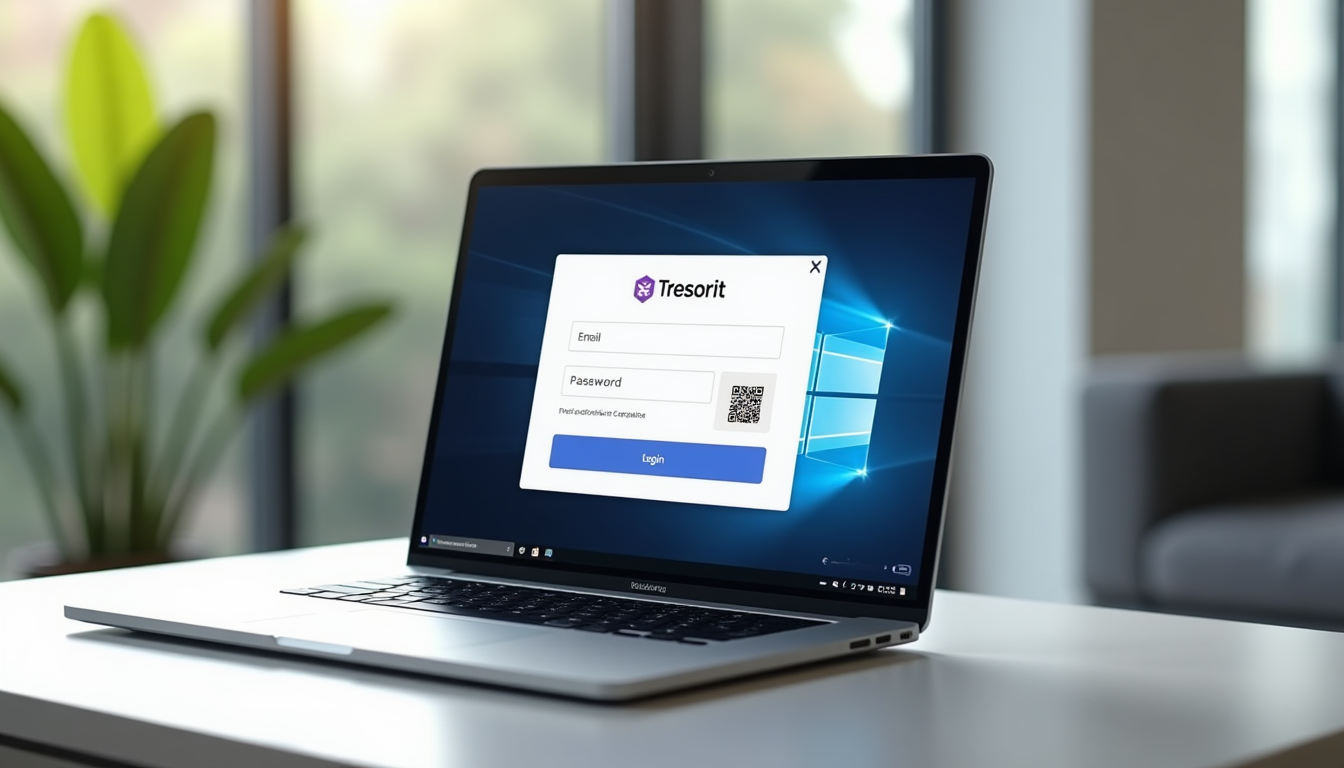
Once installed, launch the app and log in with your credentials. During onboarding, enable 2FA if not already done—scan the QR code with your authenticator app. Tresorit will prompt you to create or import encryption keys here, but we'll cover that next. For visual guidance, refer to Tresorit's official tutorial video at tresorit.com/help.
Download and Install
Select your platform and run the installer. It takes under 5 minutes.
Initial Login
Enter credentials, enable 2FA, and complete the welcome tour.
B. Enabling and Verifying End-to-End Encryption on Tresorit
Access the settings via the app's menu: Click your profile icon, then select "Security" or "Encryption" from the dashboard. Tresorit's zero-knowledge setup generates a master key pair automatically, but you can customize it for enhanced quantum-safe E2EE.
To generate or import keys, choose "Create New Key" for a fresh setup—input a strong passphrase (e.g., using diceware: "correct horse battery staple quantum"). For imports, use tools like GPG if migrating from another service; Tresorit supports RSA or ECC keys. Store your passphrase securely—losing it means permanent data loss, as even Tresorit can't recover it.
Configure E2EE for files: All uploads are encrypted client-side by default. For new folders, create a "Vault" in the app—right-click in the file browser, select "New Vault," and enable E2EE sharing. When sharing, generate encrypted links: Select a file, click "Share," set a password or require recipient key exchange. This ensures only authorized parties decrypt, ideal for secure cloud collaboration.
In 2025, accelerate adoption of post-quantum algorithms using NIST and NSA standards like Kyber for key encapsulation and Dilithium for signatures to prepare for quantum threats by complementing end-to-end encryption setups in cloud storage services. These resist quantum attacks, such as Shor's algorithm breaking classical RSA. Organizations should begin transitioning to quantum-safe encryption methods now, as quantum tech advances rapidly and could break current zero-knowledge architectures if not updated. Access these via beta settings under "Advanced Security," where you'll toggle PQC algorithms for new vaults. Tresorit's 2025 updates, such as AI-assisted key management, can further mitigate risks in end-to-end encryption setups.
Kyber Integration
Quantum-resistant key exchange for future-proof file uploads.
Dilithium Signatures
Secure digital signatures that withstand quantum decryption attempts.
AI-Assisted Keys
Automated passphrase generation and management to simplify security.
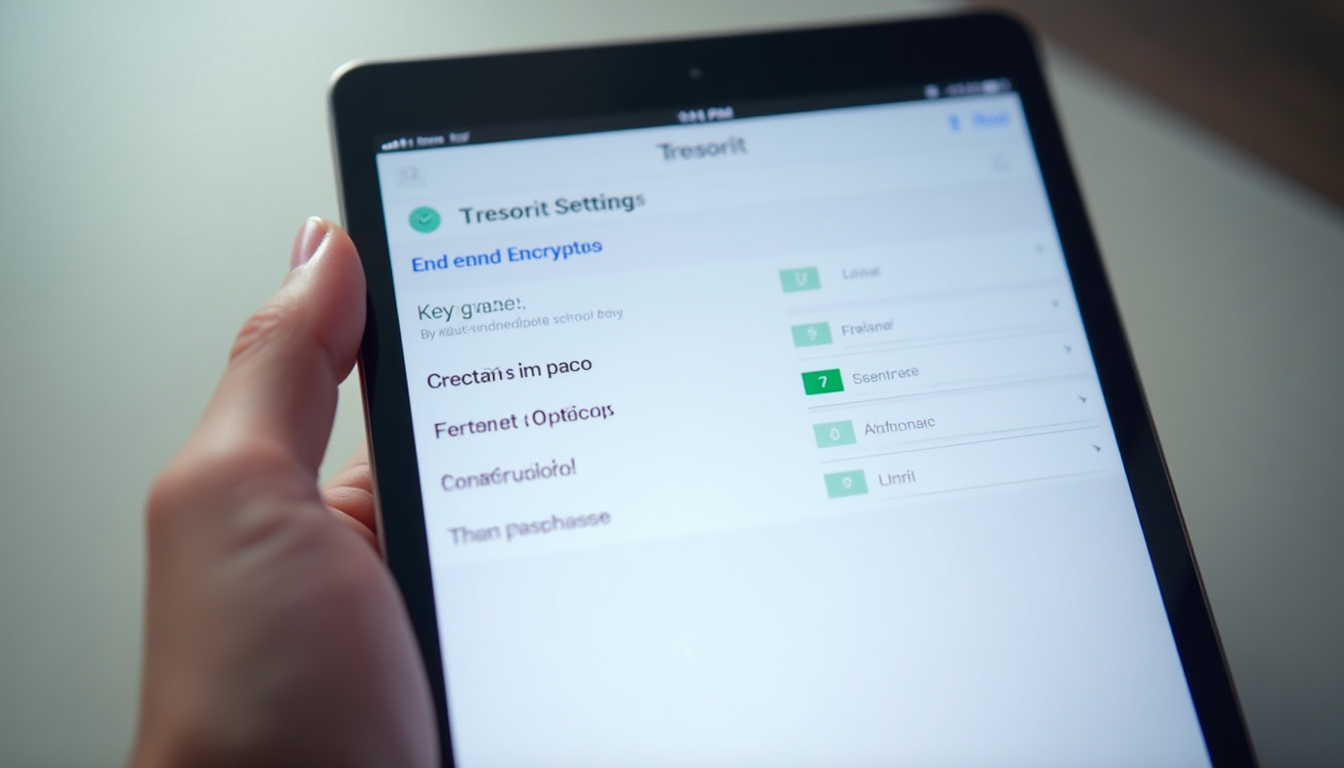
For verification, use the app's "Encryption Audit" tool: It scans vaults and confirms 256-bit AES with E2EE active (look for green badges). Export a test file and try opening it without your key—it should be gibberish.
C. Advanced Configuration for Tresorit E2EE
Syncing encrypted vaults is effortless: In settings, enable "TRESOR Sync" to mirror local folders. Select a directory (e.g., Documents), and Tresorit creates an encrypted sync folder—changes propagate securely across devices without exposing plaintext, supporting cross-device E2EE.
For sharing with E2EE, invite collaborators via email: In the sharing menu, select "Add User," generate an encrypted invite link, and set expiration or revocation. Recipients must have Tresorit to access without passwords.
On mobile, the iOS/Android apps mirror desktop features. Enable biometric locks (Face ID/Touch ID) in app settings for quick, secure access. For Android 14+, grant scoped storage permissions during setup.
Integrate with tools via Tresorit's API: Developers can connect to Outlook for encrypted attachments—use the API docs at developers.tresorit.com. Maintain E2EE by handling keys client-side; third-party apps like Zapier support secure workflows.
IV. Testing and Verification of Tresorit End-to-End Encryption
Verification is crucial to confirm E2EE integrity on Tresorit. Tresorit's built-in tools include a "Security Check" in the dashboard—run it to audit encryption status, key health, and access logs for quantum-resistant cloud storage.
For hands-on tests, upload a dummy file (e.g., a text document saying "Test Encrypted"), share it with a trusted friend via encrypted link, and have them attempt access without credentials—it should fail. Then, simulate a breach: Log out, try web access without keys, or use a third-party tool like Wireshark to inspect traffic (no plaintext should appear).
In 2025, monitor via activity logs: Enable notifications for logins and shares. Integrate with dashboards like Splunk for enterprise users, pulling Tresorit's API data to visualize threats. For diagrams, see Tresorit's verification guide at tresorit.com/security-verification, which includes flowcharts of the E2EE process.
V. Troubleshooting Common Issues in Tresorit E2EE Setup
Even with Tresorit's reliability, issues arise in end-to-end encryption configurations. For key recovery problems, if you forget your passphrase, recovery is impossible by design—use your backup hardware key for account access, but re-encrypt data from scratch.
Losing your master passphrase means irreversible data loss. Always store it in a password manager like Bitwarden and test recovery annually.
Sync errors often stem from 2025 OS updates; fix by restarting the app, checking firewall settings, or reinstalling. For Windows 11 compatibility, ensure .NET Framework 8+ is installed.
Performance lags with large files? Optimize by pausing syncs during low-bandwidth, or use selective sync to limit folders. Compress files pre-upload if needed.
Contact support via the privacy-focused help center at support.tresorit.com—submit tickets with logs, avoiding sensitive details. Escalation involves live chat for premium users.
VI. Best Practices and Security Tips for Tresorit E2EE in 2025
Maintaining E2EE on Tresorit requires vigilance. Rotate keys quarterly via the app's "Key Management" tool, update software monthly, and audit vaults for unused shares—revoke as needed to counter AI-driven cyber threats.
Complement Tresorit with tools: Pair with Bitwarden for passphrase storage or hardware modules like Nitrokey for offline key generation. For businesses, enable zero-trust via Tresorit's role-based access—revalidate every access request to mitigate lateral movement in breaches.
Privacy matters: Choose EU data residency in settings for GDPR compliance. The EU AI Act, effective from August 2024 with phased implementation through 2026, requires high-risk AI to undergo data protection impact assessments (DPIAs), affecting AI-enhanced privacy features in cloud storage like automated encryption key management. By August 2025, general-purpose AI models must comply with codes of practice for systemic risk mitigation, including transparency on training data and copyright.
Evolving risks loom large in 2025. AI-driven threats like adaptive malware and phishing will surge, democratizing cyberattacks and increasing data breach risks, which end-to-end encryption helps mitigate. AI-driven malware uses machine learning to mutate code in real-time, evading detection and enabling zero-day attacks on cloud data repositories without zero-knowledge E2EE. Remote work and cloud proliferation widen attack surfaces, increasing phishing, endpoint compromises, and data exfiltration risks for unpatched cloud systems. Over 30,000 vulnerabilities were disclosed in 2024, a 17% increase, driven by rising connected devices and cloud reliance, heightening risks for cloud storage like Tresorit. Global IT spending reached $5.1 trillion in 2024 with 8% growth, and 80% of CIOs are boosting cybersecurity budgets, reflecting urgency for defenses against evolving threats like AI malware. Adopt proactive tools like behavioral analytics, anomaly detection, and timely patching; prioritize vulnerability management with scanning and secure VPNs for remote access; monitor trends to align budgets with threats, ensure compliance (e.g., GDPR), and use intrusion detection to protect reputation and reduce ransomware impacts.
30,000+
Vulnerabilities disclosed in 2024, a 17% increase, driven by connected devices and cloud reliance (SentinelOne), 2025
Quantum threats persist, with "harvest now, decrypt later" a real concern—adopt PQC early. While U.S. industry leads in quantum computing, China is close behind, with progress in quantum communication potentially enabling decryption of harvested U.S. intelligence. Monitor adversarial programs like China's quantum initiatives and secure quantum supply chains to prevent foreign dependencies on components like cryocoolers. Practical quantum attacks are years away but will show first tangible signs in 2025, prompting a shift to post-quantum cryptography to protect sensitive data.
"By 2025, we’ll see the first tangible signs of quantum computing’s impact on cyber security. Organizations must proactively start transitioning to quantum-safe encryption methods."
"AI’s growing role in cyber crime is undeniable. By 2025, AI will not only enhance the scale of attacks but also their sophistication. Phishing attacks will be harder to detect."
VII. Conclusion: Secure Your Data with Tresorit E2EE Today
Setting up end-to-end encryption on Tresorit involves creating an account, installing the app, generating secure keys, configuring vaults, and verifying integrity—steps that lock down your data against breaches, surveillance, and quantum risks. In 2025's threat-laden digital world, this setup empowers you with unparalleled control, ensuring privacy where traditional clouds fall short, especially with rising AI and quantum threats in secure cloud storage. To find the perfect secure cloud storage provider for your specific needs, check out our Cloud Comparison Tool.
Ready to implement quantum-safe E2EE? Start your free trial today and protect your files with Tresorit's zero-knowledge encryption.
Start Free TrialFollow Tresorit's blog for updates on PQC and AI enhancements. Remember, while Tresorit handles the encryption heavy lifting, your vigilance—strong passphrases, regular audits, and threat awareness—is the ultimate key to unbreakable security.