IDrive 2025 Setup Guide: Secure Multi-Device Backup
I. Introduction to IDrive Secure Cloud Backup
In the fast-paced digital landscape of 2025, data generation has skyrocketed due to proliferating smart devices and remote work trends. Securing your information across multiple devices is more critical than ever. IDrive, a pioneer in cloud backup solutions since 2008, has evolved into a robust, AI-powered platform for secure cloud backup. What began as a simple file-syncing service has become a comprehensive ecosystem supporting unlimited devices under a single account. This makes IDrive ideal for individuals, families, and businesses managing diverse hardware setups like Windows PCs, macOS laptops, iOS iPhones, Android tablets, and Linux servers.
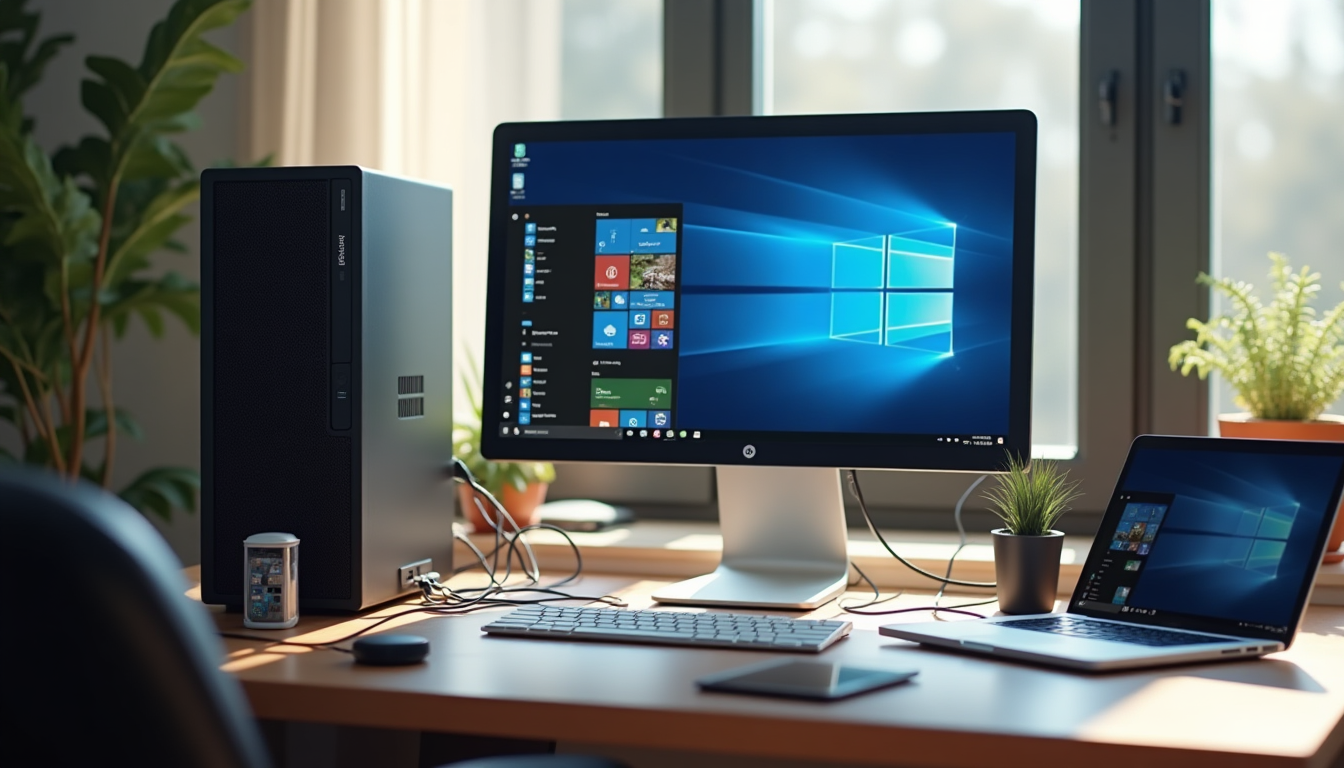
IDrive's core strength lies in its seamless cross-platform integration, protecting photos, documents, apps, and full system images without needing multiple subscriptions. Key benefits for multiple devices include unlimited device support and end-to-end encryption (E2EE) via zero-knowledge architecture, where only you hold the decryption keys. This approach, as detailed in our Zero-Knowledge Cloud Storage: 2025 Privacy Guide, ensures providers cannot access your data even in the event of a server breach. Mobile apps automatically back up photos and videos, while AI-enhanced features provide real-time anomaly detection to flag potential ransomware or unauthorized access. By 2025, IDrive's machine learning models predict backup needs based on usage patterns, optimizing storage and minimizing downtime for multi-device cloud backup.
Why choose IDrive for secure cloud backup in 2025? Stricter data privacy regulations, like GDPR's emphasis on "data protection by design," demand robust solutions. Ransomware attacks have surged 25% year-over-year, often targeting backups to hinder recovery. IDrive counters this with immutable backups and AI-driven defenses, offering scalability for personal users (up to 10TB+) or enterprises needing HIPAA-compliant storage. With 80% of organizations prioritizing AI for anomaly detection, IDrive excels in balancing security, affordability, and ease of use for multi-device setups Google Cloud Security Leaders Report.
This IDrive setup guide provides a step-by-step process, focusing on security configurations and multi-device integration. Whether protecting family photos across smartphones or business files in a hybrid cloud, we'll cover every phase to fortify your data against 2025's evolving threats.
25%
year-over-year increase in ransomware attacks, highlighting the need for AI-powered anomaly detection in cloud backups (Google Cloud Security Leaders Report)
II. Prerequisites for IDrive Multi-Device Setup
Before starting the IDrive setup for multiple devices, confirm your environment meets the platform's requirements, adapted to 2025's diverse hardware ecosystem. Minimum OS versions include Windows 10 (build 19041 or later), macOS 11 Big Sur or higher, iOS 15+, Android 10+, and Linux kernels 4.15+. Recommended hardware: 4GB RAM, dual-core CPU (Intel i3 equivalent), and 500MB free disk space for the app. For multiple devices, use SSD storage and broadband with 10Mbps upload speeds; fiber or 5G is ideal for initial backups, with emerging 6G enabling faster syncing in urban areas.
Choose the right IDrive plan for multi-device cloud backup needs. The free tier provides 10GB storage and basic features for light use but limits devices and advanced security. Paid plans excel: Personal starts at 5TB for $99.50/year with unlimited devices and E2EE; Business scales to 10TB+ per user ($79.50/user/year) with admin controls and compliance certifications. For small teams, our Best Secure Cloud Storage for Small Businesses 2025 guide highlights how IDrive stacks up against options like OneDrive for affordable, compliant protection. Personal covers household devices; Business includes NAS and servers. For 4K videos from multiple phones, select higher tiers to avoid throttling.
Prepare your account with a secure email for signup and enable two-factor authentication (2FA) via authenticator apps or biometrics—essential for zero-trust standards in secure cloud backup. Assess backup needs: List devices (e.g., PC, phone, tablet), data types (documents, media, system states), and compliance requirements (GDPR mandates encryption and audit logs for EU users). For businesses, flag high-risk data like HIPAA-protected patient records. IDrive's pre-setup scanner can map your digital footprint, helping exclude non-essentials for efficiency in multi-device setups.
| Plan Type | Storage | Devices Supported | Key Security Features |
|---|---|---|---|
| Free | 10GB | 1-2 | Basic encryption |
| Personal | 5TB+ | Unlimited | E2EE, AI detection, versioning |
| Business | 10TB+ per user | Unlimited + Servers | HIPAA/GDPR modes, immutable backups |
III. Creating an IDrive Account for Secure Cloud Backup
Creating an IDrive account is simple and secure, tailored for 2025's privacy-focused users seeking multi-device cloud backup. Visit idrive.com or download from official stores like Google Play or the Apple App Store—avoid third-party links to prevent phishing amid rising credential abuse attacks (up 30%) Google Cloud Security Leaders Report.
The signup process for IDrive setup takes minutes:
Visit and Register
Enter your email and create a strong password (at least 12 characters with symbols). Use promo codes like "IDRIVE2025" for a 30-day trial on new plans.
Select and Pay
Choose your plan, noting features like zero-knowledge E2EE for server-side breach protection and continuous backup for real-time syncing across multiple devices. Pay securely via Stripe or PayPal.
Secure It
Enable private encryption keys—generate a unique passphrase stored offline. Activate biometric login (Face ID/Touch ID) for mobile and 2FA via Google Authenticator.
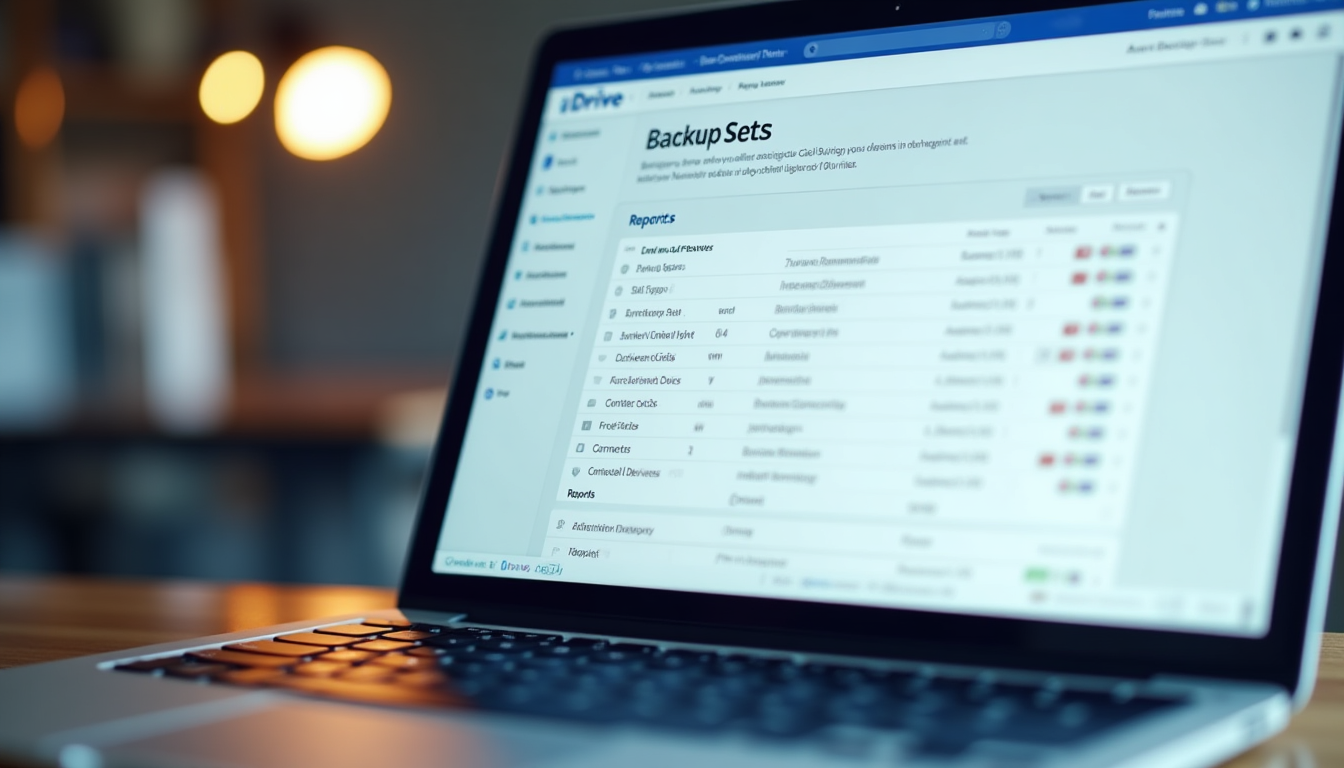
Verify your email to access the dashboard, which shows storage usage, device list, and backup status for multi-device management. Tabs cover "Backup Sets" for data management, "Security" for encryption audits, and "Reports" for activity logs. Multi-device users benefit from unified login with role-based access for teams.
Prioritize initial security: Enable E2EE to meet GDPR's security principles in your IDrive setup. IDrive's 2025 dashboard includes a compliance wizard for features like data minimization, aligning backups with regulations for secure cloud backup.
IV. Installing IDrive on Multiple Devices: Step-by-Step Guide
Installation is streamlined across platforms for IDrive multi-device cloud backup, but in 2025's malware landscape, use official sources: idrive.com or app stores to avoid tampered files. The app auto-detects your OS.
On Windows, run the .exe installer and follow the wizard: It integrates drivers for full system backups, including boot volumes. Grant UAC permissions and select "Express Install" for defaults, including antivirus hooks.
For macOS, the .dmg installs easily, complementing Time Machine. For deeper insights on Mac compatibility, our IDrive vs Backblaze: Top Mac Cloud Backup 2025 comparison evaluates unlimited storage and security features tailored for Apple devices. Enable Spotlight indexing for fast searches and restores—vital for multi-device media management.
Mobile setup is quick: Search "IDrive" in the App Store for iOS (grant photo library access for auto-backups of videos and contacts) or Google Play for Android (with offline viewing). Both offer widget scheduling.
Linux supports CLI: Install via apt or yum, then use idrive backup for servers or NAS. Script for Raspberry Pi or IoT streams.
Link devices for multi-device sync: Log in on each or scan a dashboard QR code. Email invites enable sharing. IDrive syncs metadata, resolving conflicts by timestamps.
Windows
Full system imaging and driver-level integration for seamless PC backups.
macOS
Time Machine synergy with AI-optimized indexing for quick restores.
Mobile (iOS/Android)
Auto-photo sync and offline viewing for on-the-go device protection.
Linux
CLI tools for servers, enabling scripted backups on headless systems.
NAS/IoT
Plugin support for edge devices like cameras and wearables.
Linking
QR code or email for effortless multi-device account unification.

V. Configuring Backups for Security and Efficiency in Multi-Device Setup
Launch the app to configure backups, balancing security and performance for IDrive multi-device cloud backup. Select folders/drives: Prioritize Documents, Desktop, and media; exclude temp files or caches. Enable system images on Windows/macOS.
Schedule real-time continuous backups for critical files (e.g., work documents) or incremental daily/weekly for bulk data. Throttle bandwidth to 70% during peaks to avoid impacting multiple devices.
Enable E2EE with your private key for zero-knowledge protection. Activate HIPAA/GDPR modes for encryption at rest/transit and audit logs, supporting 72-hour breach notifications Bacula Systems GDPR Blog. IDrive's 2025 AI detects anomalies like large deletions indicating ransomware.
For multi-device use, enable file versioning (up to 30 versions) and timestamp-based conflict resolution. Shared folders offer granular permissions for collaboration. Customize with compression (reduces size by 50%), deduplication across devices, and geo-fencing for trusted networks only.
For efficiency, start with selective backups: Categorize data by sensitivity and set tiered retention—short for temp files, long for irreplaceable media—to align with GDPR minimization principles.
Test configurations with a small backup, verifying integrity via checksums.
VI. Advanced IDrive Features for Secure Cloud Backup in 2025
IDrive's 2025 updates tackle emerging threats in multi-device cloud backup. IDrive Lock provides immutable backups—unalterable copies that ransomware cannot encrypt or delete, countering attacks on recovery mechanisms Google Cloud Security Leaders Report.
Secure remote access uses expiring links with password or IP whitelisting. Microsoft 365 integrations back up emails and OneDrive directly.
Restores are precise: Recover files, folders, or bare-metal images to dissimilar hardware. Multi-device syncing propagates changes instantly, with offline queuing.
For smart homes, IDrive handles IoT like security cameras (RTSP streams) or wearables, securing aggregated health data. Analytics track usage; alerts flag low space or threats. AI optimizes backup timing.
Early AI adopters see 40-60% faster threat detection and 75% reduced incident response times Google Cloud Security Leaders Report.
"AI introduces agentic security for autonomous threat hunting, but credential risks persist; combine AI detection with E2EE for robust cloud backups."
VII. Troubleshooting Common Issues in IDrive Multi-Device Setup
Hiccups can occur even in robust IDrive setups for multiple devices. For connectivity, add IDrive to firewall exceptions (ports 443, 80) or test VPNs; use 5G/6G if Wi-Fi fails.
Backup errors: Code 100 (full space) needs old version pruning; for iOS limits, offload to iCloud first. Update macOS drivers or clear Android cache for device issues.
For security: Reset keys via dashboard (backup passphrase first) and use integrity verifier for scans. Segment large datasets; update firmware through the app.
If you suspect a breach, isolate devices immediately and use IDrive's anomaly reports to notify within GDPR's 72-hour window—do not restore until verified clean.
Contact live chat for persistent problems.
VIII. Best Practices, Conclusion, and Next Steps for IDrive Setup
Maintain IDrive multi-device setups with weekly backups, monthly updates, and quarterly restore tests to simulate failures. Follow the 3-2-1 rule: Three copies on two media types, one offsite via IDrive Google Cloud Security Leaders Report.
Layer with local drives and monitor threats like AI phishing. Purge outdated data for minimization Bacula Systems GDPR Blog. Prepare for post-quantum cryptography against 'Store Now, Decrypt Later' attacks.
In data-driven 2025, IDrive ensures resilience against credential abuse (up 30%) and ransomware, with E2EE, AI, and compliance tools for secure cloud backup Google Cloud Security Leaders Report. To see how IDrive compares to other secure options, explore our Cloud Comparison Tool, which lets you filter providers by price, features, and security to find the perfect match for your multi-device needs.
Ready to Secure Your Devices?
Start your IDrive setup today with a free 10GB trial and protect multiple devices effortlessly.
Sign Up for IDrive NowVisit IDrive Support or community forums for more on multi-device cloud backup.