Sync.com vs pCloud: Which Is More Secure for File Sharing?
Introduction to Secure External File Sharing in 2025
In 2025, secure file sharing with external users like clients, partners, and freelancers is essential amid rising cyber threats, including AI-driven phishing and ransomware attacks on cloud storage. Imagine a remote team collaborating on sensitive documents— one insecure link could expose data, as seen with 133 million healthcare records breached in 2023, costing over $10.9 million per incident on average Sync.com Healthcare Blog. With hybrid work expected to cover 70% of the workforce, compliance with GDPR and HIPAA is non-negotiable, with fines up to $50,000 per violation. For freelancers seeking tailored zero-knowledge options, our Best Zero-Knowledge Cloud Storage for Freelancers 2025 guide highlights top picks like Sync.com and pCloud with E2EE features suited to independent workflows.
Zero-knowledge encryption and robust access controls are key to HIPAA-compliant cloud storage and GDPR-safe sharing. This Sync.com vs pCloud comparison explores their secure external file sharing features, step-by-step guides, and recommendations for privacy-focused users in regulated industries like healthcare and law.
133M
healthcare records exposed in 2023 (Sync.com Healthcare Blog)
Discover how Sync.com's native end-to-end encryption (E2EE) and pCloud's flexible client-side options stack up for zero-knowledge file sharing in 2025.
Sync.com Overview: Privacy-First Cloud Storage for Secure Sharing
Since 2011, Sync.com has been a leader in zero-knowledge cloud storage, based in Toronto, Canada, with end-to-end encryption ensuring no one—not even Sync.com—can access your files. Ideal for HIPAA-compliant file sharing and GDPR external collaboration, it's trusted by over 2 million users in legal and healthcare sectors Sync.com Cloud Services for Law Firms.
For external users, Sync.com offers unlimited secure links with password protection, expiration dates, and permissions like view-only or edit access. Features include activity logs, remote wipe, and integrations with Microsoft 365 and Slack for seamless workflows.
Sync.com Pricing for 2025 Secure File Sharing
Competitive plans emphasize unlimited transfers and compliance: - Free Solo Basic: 2GB storage, E2EE, password-protected sharing, 180-day history. - Solo Professional: 2TB for $8/month (annually ~$96), 365-day history, HIPAA compliance. - Pro Plans: Up to 6TB for ~$20/month, download limits. - Teams Standard: $6/user/month (min. 3 users), 1TB/user, RBAC. - Teams+ Unlimited: $15/user/month, infinite storage, 2FA, unlimited guests. - Enterprise: Custom for 100+ users.
All include 30-day guarantees and payments via Visa, Mastercard, Amex, PayPal, or Bitcoin Sync.com Pricing. SOC 2, GDPR, PIPEDA, and HIPAA-ready for Professional/Teams+.
As noted in expert insights:
"When you choose to adopt a cloud provider like Sync.com, compliance is built in by default."
Sync.com excels in out-of-the-box zero-knowledge encryption for external file sharing without ads or tracking.
pCloud Overview: Flexible Zero-Knowledge Encryption for Media Sharing
Founded in 2013 in Switzerland, pCloud leverages strict privacy laws for client-side encryption via its Crypto add-on, making it a strong contender for GDPR-compliant external file sharing. Tailored for media professionals, it supports video streaming and Office integrations. For video editors handling large files, our Best Secure Cloud Storage for Video Editors 2025 comparison evaluates pCloud's zero-knowledge encryption and Sync.com's capabilities alongside other options for 4K/8K workflows.
Sharing tools include public links with passwords, expirations, download limits, and embed options. The Crypto folder enables E2EE for sensitive external shares, with EU data centers and Rewind backups for recovery.
pCloud Pricing for 2025 External Collaboration
Lifetime plans appeal to long-term users: - Free: 10GB, basic links (with ads). - Premium: 500GB for $49.99/year ($199 lifetime); 2TB for $99.99/year ($399 lifetime). - Business: $9.99/user/month, unlimited storage, admin tools. - Crypto Add-on: $47.88/year ($150 lifetime) for zero-knowledge.
Unlimited bandwidth on paid plans suits media-heavy secure sharing, free from U.S. CLOUD Act risks.
pCloud's QR code sharing and Swiss neutrality make it ideal for creative, privacy-focused external file sharing in 2025.
Key Security Features Comparison: Sync.com vs pCloud for External Sharing
Both use AES-256 encryption, but Sync.com's native zero-knowledge E2EE applies to all files Advanced Encryption Benefits. pCloud requires Crypto for zero-knowledge, limited to folders.
Controls: Sync.com offers unlimited links, passwords, expirations, permissions, and real-time logs Sync.com Pricing. pCloud adds IP restrictions and no-screenshot options.
Compliance: Sync.com leads with HIPAA, SOC 2, GDPR, PIPEDA Sync.com Law Firms Blog. pCloud focuses on Swiss GDPR privacy.
2025 updates: Sync.com adds AI threat detection; pCloud enhances Crypto automation.
| Feature | Sync.com | pCloud | Winner |
|---|---|---|---|
| Encryption | Native zero-knowledge E2EE (AES-256) | AES-256; Zero-knowledge via paid Crypto | Sync.com |
| Password/Expiration | Yes, unlimited links | Yes, with view limits | Tie |
| Access Logs/Revocation | Activity logs, instant dashboard revoke | Audit trails, remote wipe (premium) | Sync.com |
| Compliance | GDPR, HIPAA, SOC 2 | GDPR, Swiss privacy | Sync.com (for regulated industries) |
Sync.com wins for default security; pCloud for customizable external sharing.
Step-by-Step Guide: Secure File Sharing on Sync.com
Start with a free account at sync.com and enable 2FA. For in-depth installation and encryption setup, refer to our Sync.com Setup: Secure File Sharing Guide 2025, which covers real-time collaboration and privacy enhancements.
Upload or Select Files
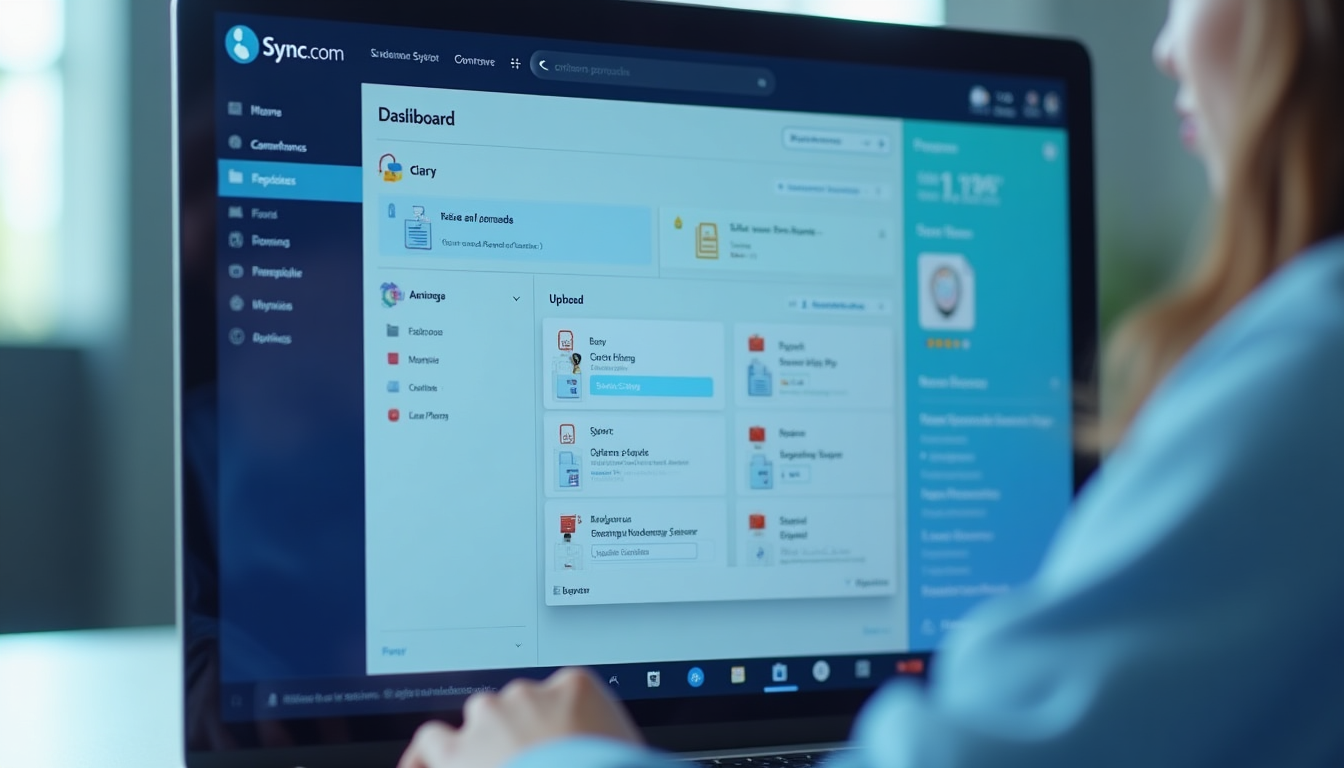
Log into your Sync.com dashboard via web, desktop, or app. Drag-and-drop files/folders or use the upload button. For sensitive data, organize into shared folders with RBAC to pre-set permissions.
Generate a Share Link
Right-click the file/folder in the dashboard > Select "Share" > "Create link." This generates a secure, E2EE-protected URL instantly.
Apply Security Measures
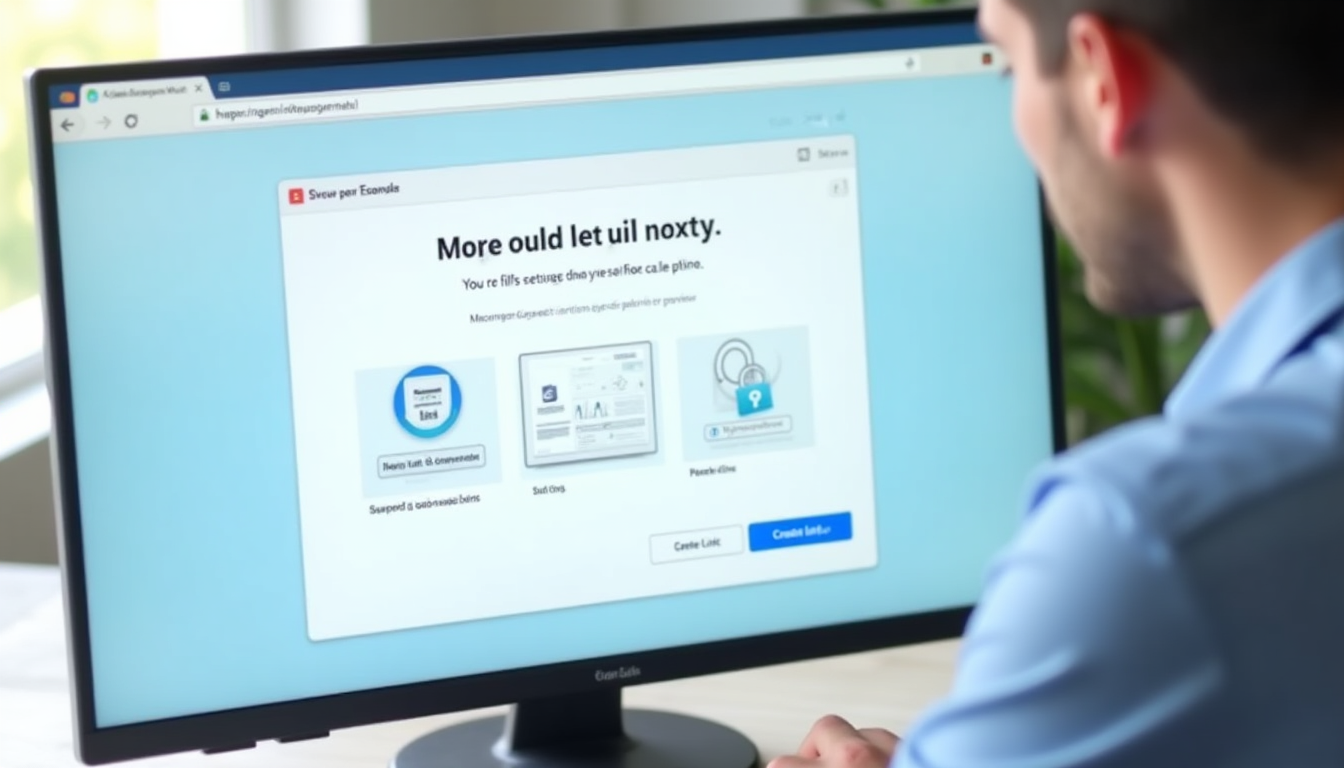
Customize: Add a strong password, set expiration (e.g., 7 days for temporary shares), choose permissions (view-only, download allowed, or edit), and limit downloads if needed. Notify recipients via integrated email or copy the link.
Distribute the Link
Share via email, Slack, or embed in a client portal. External users access without a Sync.com account, viewing previews for docs/images without downloading.
Monitor and Revoke Access
Use the activity log to track views/downloads in real-time. Revoke by deleting the link or wiping the device remotely via dashboard—perfect for lost credentials.
For 2025 compliance, test shares with dummy files to verify logs align with HIPAA/GDPR audits. Leverage upcoming mobile biometrics (e.g., face ID) for link generation on the go, and enable file requests for secure inbound external uploads.
This enables HIPAA-safe external file sharing Sync.com Healthcare Blog.
Step-by-Step Guide: Secure File Sharing on pCloud
Sign up at pcloud.com (10GB free) and add Crypto for E2EE.
- Upload or Select Files: Upload or select files via web/app. For security, move sensitive items to a Crypto folder (right-click > Encrypt); the app handles client-side keys.
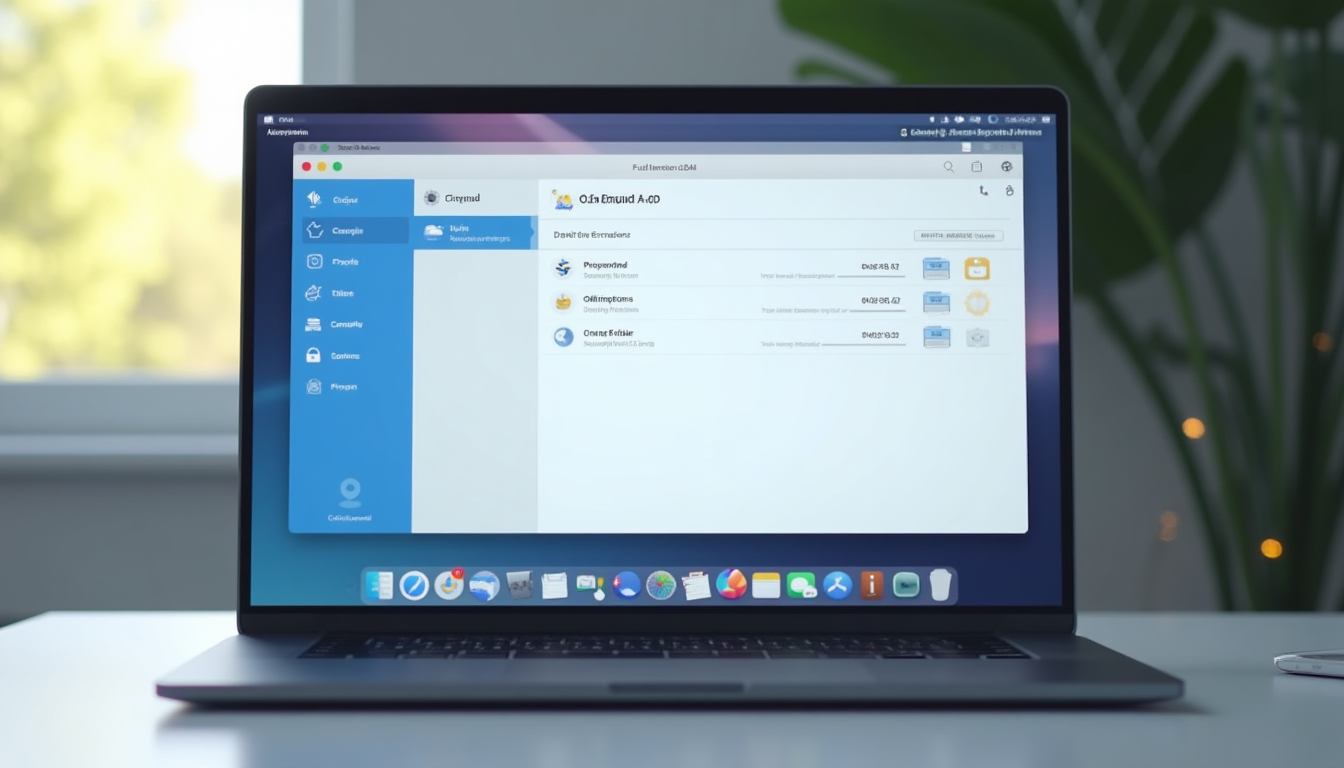
- Generate a Share Link: Right-click the file/folder > "Share" > "Get link" to create a public URL. Crypto-encrypted files maintain zero-knowledge during sharing.
-
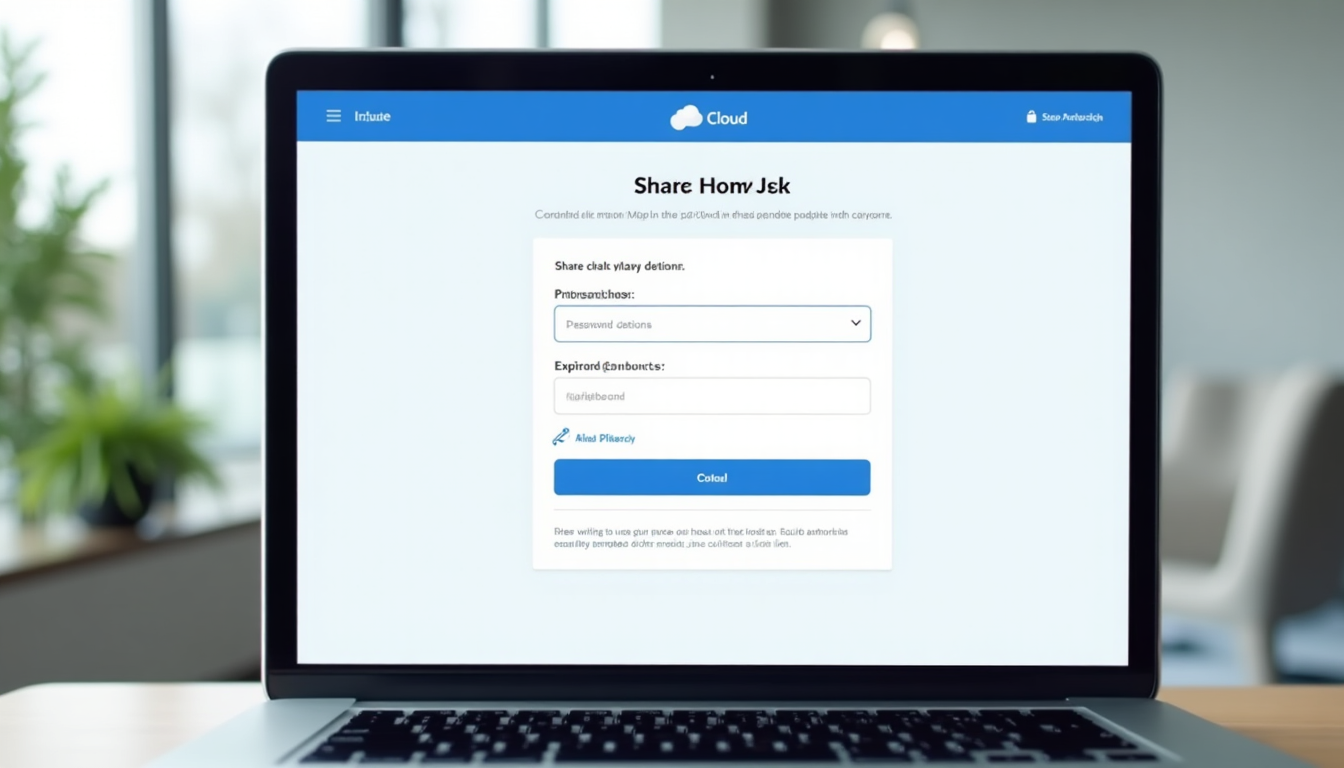
Apply Security Measures: Enhance security: Set a password, expiration date (1 hour to never), limit views/downloads (e.g., 10 accesses), and toggle options like no-printing or screenshots. For advanced, add IP whitelisting via Crypto settings.
-
Distribute the Link: Distribute easily—email the link, generate a QR code for in-person shares, or embed in websites/docs. External users preview media without accounts, streaming videos directly.
-
Monitor and Revoke Access: Manage via dashboard: Check access stats (views, locations), edit permissions, or revoke by deactivating the link. Business plans add audit trails for compliance reviews.
pCloud's Rewind and API suit 2025 creative workflows for secure external sharing.
Direct Comparison: Sync.com vs pCloud for 2025 Secure External Sharing
Sync.com prioritizes ease with native E2EE and HIPAA compliance; pCloud offers lifetime flexibility for media Sync.com Pricing. Both deliver 99.9% uptime, but Sync.com avoids throttling.
Ease of Use
Sync.com: Beginner-friendly, no add-ons needed. pCloud: More options, steeper Crypto learning curve.
Cost
Sync.com: Affordable subs with unlimited storage options. pCloud: Lifetime plans for long-term savings.
Security
Sync.com: Native E2EE + HIPAA. pCloud: Flexible Crypto for EU privacy.
Recommendation: Choose Sync.com for regulated secure file sharing; pCloud for media. Test free tiers—"End-to-end encryption to ensure that data sent to and received from the Cloud is protected." Sync.com Law Firms Blog.
Conclusion: Best Choice for HIPAA and GDPR File Sharing in 2025
Sync.com leads for native zero-knowledge encryption and compliance in external file sharing; pCloud shines in flexible, media-optimized plans. Select based on needs to combat 2025 threats. To explore more options and filter by price or features, use our Cloud Comparison Tool to start comparing secure cloud storage providers tailored to your sharing requirements.
Over 70% of solo and small law firms have adopted cloud services like these, citing enhanced security and accessibility Sync.com Law Firms Blog. Start with a free trial to experience the difference.
Ready for Secure External Sharing? Sign up for Sync.com's free 2GB plan today and enable zero-knowledge encryption—no credit card required. Get Started with Sync.com